
How to Choose HR & Payroll Software in Malaysia: A Buyer's Checklist
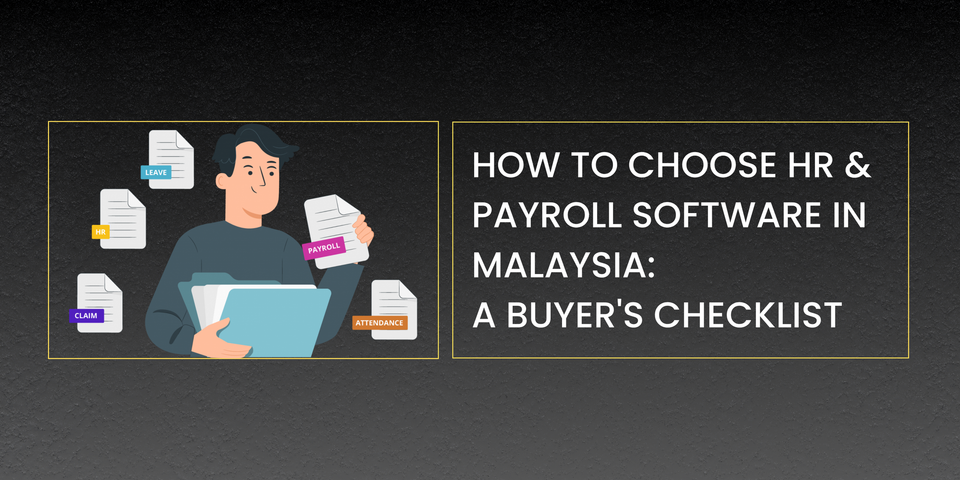
Every HR and payroll software vendor's homepage looks roughly the same: clean dashboard screenshot, a row of logos, "trusted by X businesses," and a demo button. What's much harder to compare from a homepage is what actually matters once you're three months in: whether the statutory calculations stay accurate as rules change, whether there's a real person to call when something breaks, and whether your team actually gets trained on the system or just handed a login.
This checklist is built around the questions that matter after the contract is signed, not just before it.
1. Does it cover Malaysian statutory compliance natively?
This is non-negotiable, and it's also where "supports Malaysia" and "built for Malaysia" diverge. Ask specifically:
- Are PCB, EPF, SOCSO, and EIS calculated automatically, using the correct contribution tables (not just a flat percentage)?
- Does the system generate EA Forms, Form E, and other LHDN-required documents?
- How quickly does the vendor update the system when a statutory rate changes, like the EPF foreign worker rate change that took effect in October 2025?
A system that treats Malaysian compliance as its core engine, rather than a regional add-on bolted onto a generic platform, tends to keep pace with these changes faster and with fewer manual corrections on your end.
2. Does the pricing model actually fit your headcount?
Payroll software pricing in Malaysia generally falls into a few patterns: flat free tiers with limited features, per-employee monthly pricing, or custom quotes based on employee count and modules. None of these is inherently better. The right one depends on how your headcount moves.
- If you're a small, stable team, a low-cost or free tier might genuinely cover you.
- If you're scaling quickly, per-employee pricing can get expensive fast. Ask what happens to your rate as headcount grows, not just what it costs today.
- If your needs are specific (multiple entities, complex leave policies, custom approval chains), a custom quote from a vendor willing to actually understand your setup usually beats forcing your business into a rigid tier.
Don't evaluate cost in isolation from support. A cheaper plan that leaves you without help during a payroll emergency isn't actually cheaper.
3. Can you try it before you commit?
A polished demo is not the same as hands-on use. Some vendors offer a genuine trial period; others, like Kakitangan.com, run a structured, low-cost System Onboarding Workshop (a two-hour session for RM20) that walks you through real system setup: payroll processing, leave, claims, and attendance, before you sign anything long-term.
Whichever form it takes, insist on some way to actually click through the modules you'll use daily, ideally with your own sample data, rather than relying on a scripted sales demo.
4. What does support look like after onboarding?
This is where most comparisons fall short, because support quality is invisible until you need it. Questions worth asking directly:
- Is support a live chat with a queue, a ticket system with a multi-day SLA, or a real person you can reach?
- Does the vendor run ongoing training, not just onboarding, so your team stays current as the platform and statutory rules evolve?
- Is there a way to get a specific, complex question answered (a tricky termination calculation, a multi-entity payroll edge case) without waiting on a generic support queue?
Vendors that invest in a recurring calendar of training sessions (community series, Payroll 101 and modular trainings) or direct access to HR practitioners (Kakitangan.com's HR Sifu consultations, for example) are signaling that support is a product feature, not an afterthought.
5. Does it cover the full HR workflow, or just payroll?
Payroll is the module every vendor leads with, but most Malaysian HR teams are juggling four things day to day: payroll, leave, claims, and attendance. If your software only handles payroll well, you'll end up stitching together spreadsheets or a second tool for the rest, which reintroduces exactly the manual error risk you bought the software to eliminate.
Check whether leave balances, approvals, and public holidays are tracked natively; whether claims submission and approval happen in the same system as payroll (so reimbursements sync automatically); and whether attendance (clock-in, timesheets, lateness) feeds directly into payroll calculations instead of requiring a manual import.
6. What do existing customers say about the parts a demo won't show you?
Reviews and word-of-mouth are most useful for exactly the things a sales demo is designed to gloss over: how support actually responds under pressure, how painful migration from a previous system was, and whether pricing crept up after the first renewal. Ask the vendor directly for references from businesses similar in size and industry to yours, not just their best-case testimonials.
Putting the Checklist Together
No vendor will score a perfect 6 out of 6 for every business. A fast-scaling tech startup and a 20-person retail chain will weigh these criteria differently. What matters is going in with the full list rather than getting anchored on the one or two features a sales call happened to emphasize.
Want to try Kakitangan.com hands-on? Book FREE demo today.